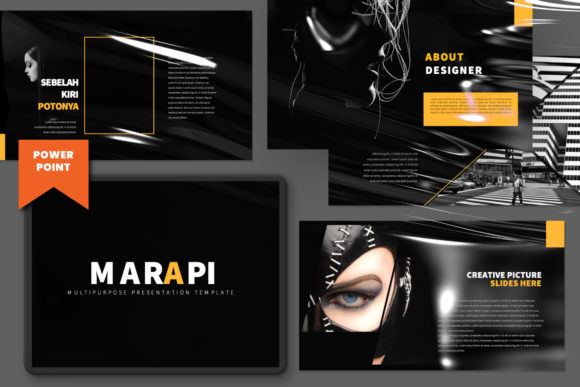
Marapi Creative PowerPoint: Elevate Your Presentations
When you’re putting together a presentation, the goal isn’t just to share information—it’s to make an impression. We’ve all sat through those monotone, text-heavy slideshows that feel like a chore. The Marapi Creative PowerPoint template flips that script entirely. This isn't just a collection of slides; it's a professional toolkit designed for anyone who needs their visuals to match the quality of their ideas. If you’re a designer, entrepreneur, or small business owner, this template offers a way to communicate with a level of polish that usually requires a dedicated design team.
A Design That Works as Hard as You Do
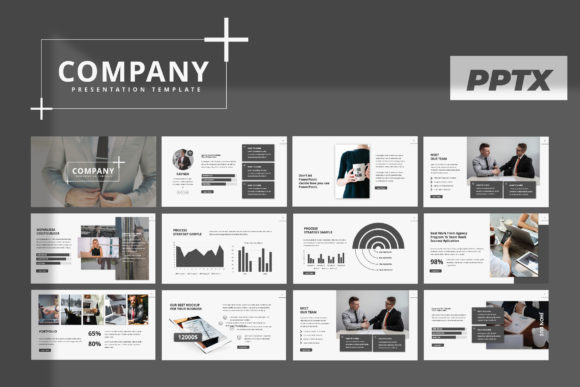
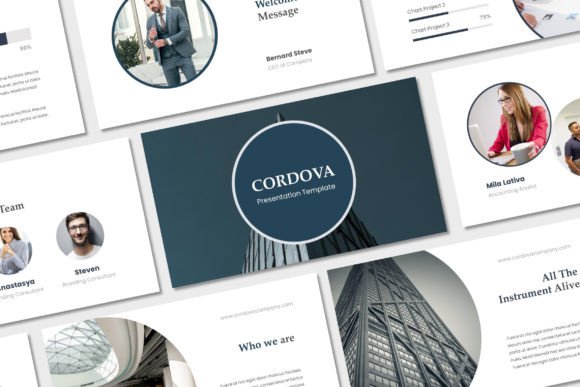
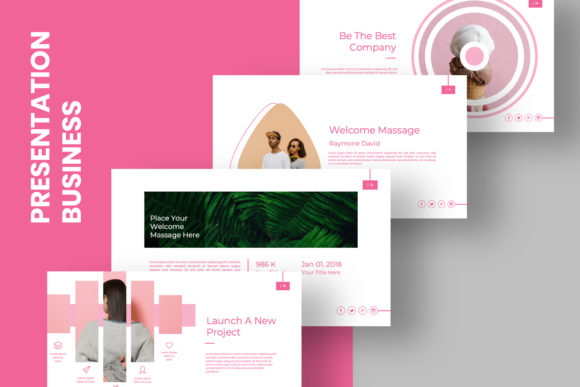
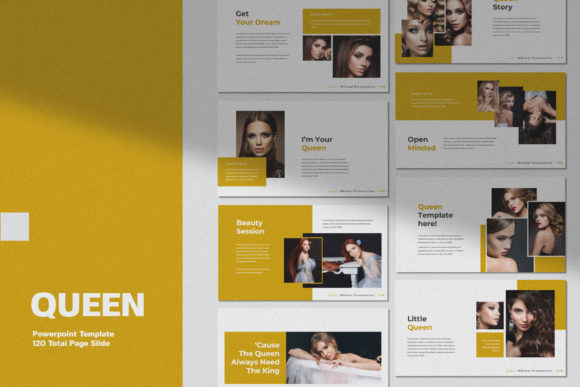
The first thing you’ll notice about Marapi Creative is its ultra-modern and unique design. It has a clean, confident aesthetic that feels current without being trendy to the point of dating quickly. Each slide is crafted with a clear sense of visual hierarchy, guiding your audience’s eye exactly where you want it. The layouts are spacious, allowing your content to breathe, which is a crucial but often overlooked aspect of effective presentation design. This template isn't just about looking good; it's about making your message clearer and more compelling.
One of its most practical strengths is its versatility. Marketed as a multifunctional creative template, it lives up to the promise. The structure is robust enough for a formal corporate report or business proposal, yet flexible enough for a dynamic portfolio review or a creative branding pitch. This adaptability means you’re not buying a one-trick pony. Whether you’re an agency presenting to a client, a startup pitching to investors, or a teacher creating engaging course materials, Marapi provides a solid foundation that can be adapted to your specific context.
Designed for Real-World Use, Not Just for Show
A beautiful template is useless if it’s a nightmare to customize. This is where Marapi Creative really shines for busy professionals. Built with Slidemaster functionality, making changes is intuitive. The drag-and-drop image placeholders are a massive time-saver. You don’t need to fiddle with cropping and resizing for every single picture—just drop your high-quality photos into the frames, and they fit perfectly within the 16:9 aspect ratio design. This feature alone can cut your preparation time in half.
The template also includes a smart array of layout and text variations. You’ll find dedicated business guidelines pages, which are perfect for presenting brand colors, fonts, and usage rules in a structured way. There are unique portfolio slides that let your work take center stage, and data visualization slides that make complex information digestible. The easy color change feature is another key benefit. You can quickly align the entire presentation to your own brand identity or a client’s corporate palette, ensuring consistency and professionalism across every slide.
Practical Applications for Every Creator
Think beyond the boardroom. The Marapi Creative PowerPoint template is a versatile design asset that can serve numerous projects. For marketers, it’s ideal for crafting campaign recap decks or social media strategy overviews. Bloggers and content creators can use it to design stunning media kits or downloadable guides for their audiences. Publishers could shape a compelling book proposal or author platform presentation. Even crafters and hobbyists teaching workshops can use it to create professional-looking instructional materials that enhance their credibility.
The template’s Full HD quality ensures everything looks sharp, whether you’re presenting on a large screen or sharing a PDF online. This attention to technical detail is what separates a premium tool from a free download. It signals to your audience that you value quality and take your work seriously, which directly influences their perception of your brand and message.
Making the Most of Your Template
To get the best out of Marapi, start by defining the core message of your presentation. Use the template’s strong layouts to structure your story logically—introduction, problem, solution, evidence, conclusion. Leverage the image placeholders to replace generic stock photos with authentic images that connect with your audience. Experiment with the color scheme early in the process to set the right tone.
Remember, the template provides the structure and style, but the content is yours. Keep text concise, use the visual hierarchy to emphasize key points, and let the clean design do the heavy lifting. The goal is to use Marapi Creative PowerPoint not as a crutch, but as a catalyst to create presentations that are remembered for their clarity and professionalism, long after the last slide is shown.